





Growing design systems need structure. This guide lays out the frameworks, patterns, and day-to-day practices that keep design consistent and teams productive as you scale. We walk through governance models, architecture approaches, token and component management, collaboration and onboarding tactics, the tooling that smooths workflows, and practical versioning and maintenance habits. Read on for clear, actionable guidance you can apply to keep your design system healthy as your organization expands.
What are the key governance models for scaling design systems?
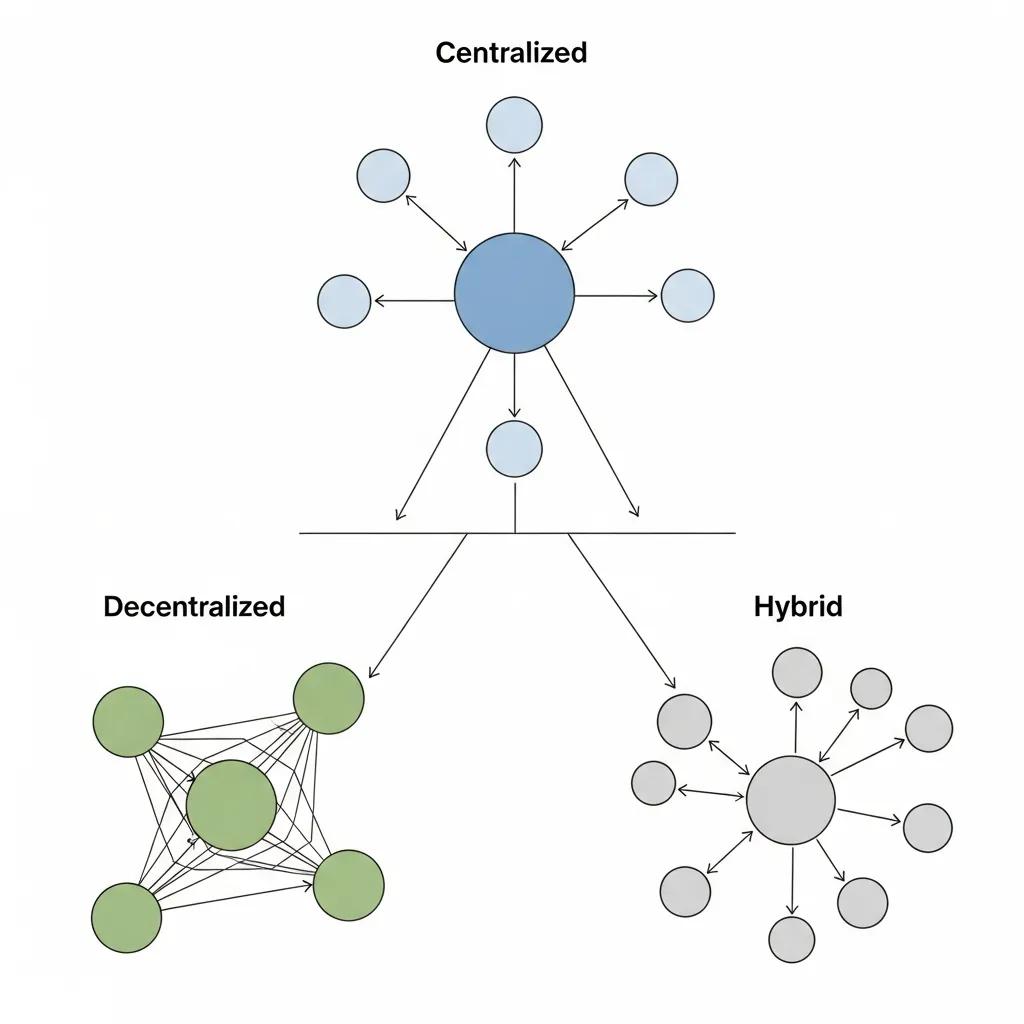
Governance defines who makes decisions, how changes are approved, and which processes keep a system predictable. A solid governance model makes it easier to scale by clarifying roles, streamlining approvals, and setting documentation standards. When governance is clear, teams spend less time debating and more time shipping consistent interfaces.
How do governance frameworks help design systems scale?
Good governance creates repeatable processes for collaboration and decision-making. That usually means documented review steps, clear approval gates, and standards for component usage. The result: less duplicated work, more reuse, and predictable quality across teams. Large organizations use these frameworks to keep dozens of product teams aligned while still allowing local innovation.
Recent research also highlights governance as essential for managing complex, rapidly changing systems—extending the same principles used in design systems to broader smart-technology ecosystems.
Robust governance is a foundation for safe, ethical, and efficient smart systems—everything from connected devices to AI-driven services. The study outlines frameworks that pair technical innovation with governance practices, stressing iterative processes to match how quickly these systems evolve. (Governance Frameworks for Smart Systems, R Sandhu, 2025)
What are best practices for implementing design system governance?
Implement governance deliberately. Start small, document decisions, and iterate based on feedback. Practical steps include:
- Clarify ownership: Define who owns the system, component lifecycles, and approvals.
- Standardize documentation: Set templates for component specs, usage examples, and accessibility requirements.
- Review on a cadence: Schedule regular governance check-ins to adjust rules as your products and teams change.
These measures create a governance layer that supports scale without slowing down delivery.
Which architecture patterns enable effective design system growth?
The way you structure components and libraries directly affects maintainability and speed. Choose patterns that let teams iterate independently while keeping a consistent design language across products.
How do modular and scalable architecture patterns work?
Modular patterns break the system into independent, reusable pieces. Teams can update or replace a module without touching unrelated parts, which speeds delivery and reduces risk. Modularity also makes it easier to test and maintain components over time.
What are examples of successful design system architectures?
Many successful systems use modular libraries and clear component hierarchies. Examples to learn from:
- Google's Material Design: A comprehensive set of guidelines and reusable components for consistent UIs.
- IBM's Carbon Design System: A modular system with a strong focus on accessibility and cross-product consistency.
These systems show how architecture choices translate to scale, accessibility, and developer experience.
How can design tokens and component libraries be managed for scalability?
Tokens and libraries are the single source of truth for visual identity and behavior. Managing them consistently means you can change a brand color or spacing scale in one place and have those updates flow everywhere.
What are design tokens and their role in scalable systems?
Design tokens are named variables for colors, typography, spacing, and more. They make platform-agnostic design decisions portable: update a token, and the change propagates across web, mobile, and native apps. Tokens reduce friction between design and engineering and help enforce a consistent visual language. For teams inheriting inconsistent naming conventions, RenameVariantsAI can batch-rename component variants to align with your token structure.
How to organize and maintain component libraries efficiently?
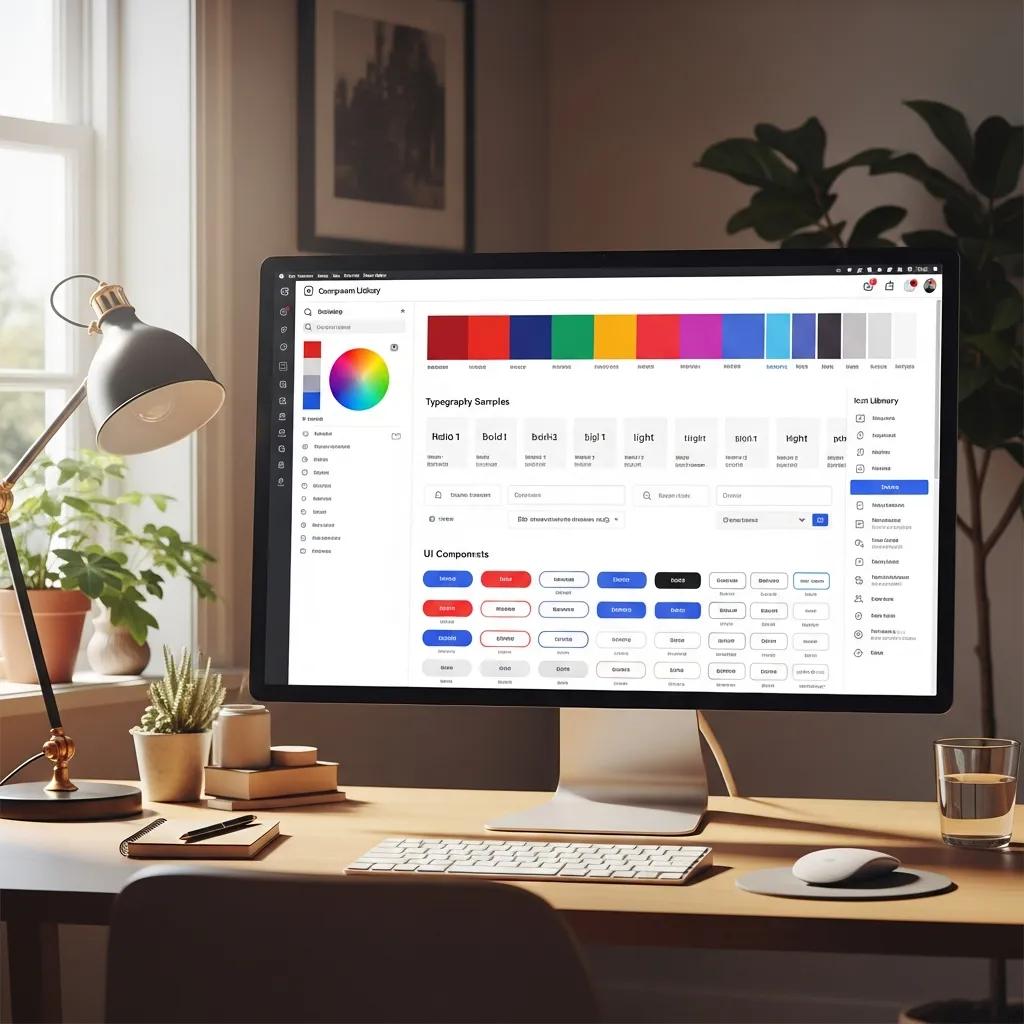
Keep your component library discoverable and dependable by using these approaches:
- Group by purpose: Organize components by role (atoms, molecules, patterns) or by feature area so teams can find what they need fast.
- Use version control: Track releases and changes with a VCS so teams can pin to stable versions or adopt breaking changes intentionally.
- Audit regularly: Use ComponentQA to periodically remove or refactor deprecated components to avoid confusion and tech debt.
These practices keep libraries clean, predictable, and easy to adopt across teams.
What strategies enhance team collaboration and onboarding in growing design systems?
Adoption depends on people. Make the system approachable, visible, and supported so teams choose it over ad-hoc solutions.
How does cross-team collaboration improve design system adoption?
Invite product, design, and engineering into the process early. Cross-team involvement builds shared ownership, surfaces diverse use cases, and improves the system's relevance. When teams see their needs represented, they're more likely to adopt and contribute back.
What are effective onboarding processes for new team members?
A smooth onboarding path helps new hires become productive quickly. Useful steps include:
- Run focused training: Short sessions that cover core principles, component usage (including state variations with tools like StateBuilder), and where to find resources.
- Pair with a guide: Assign a mentor who can answer questions and point newcomers to best practices.
- Provide clear docs: Maintain concise getting-started guides and practical examples for common tasks.
Good onboarding reduces friction and increases the system's day-to-day value.
Which tooling and automation solutions support scalable design systems?
The right tools remove manual work and keep design and code in sync. Focus on tools that support tokens, components, and release workflows.
What tools facilitate design token management and versioning?
Popular tools that help manage tokens and versions include:
- Style Dictionary: Converts tokens into platform-specific formats so the same design language works everywhere.
- Figma: Collaborative design files where teams can define and share tokens, components, and specs.
Combined, these tools bridge design and engineering and make cross-platform consistency achievable.
How does automation streamline governance and maintenance?
Automation reduces repetitive work: generate docs from code, run visual tests on component changes, and wire releases into CI/CD pipelines. Automating these steps keeps the system reliable and frees the team to focus on higher-value improvements.
Use StateBuilder to auto-generate component states and documentation, reducing manual spec work and keeping design files aligned with implementation.
How should versioning and maintenance be managed for long-term scalability?
Versioning and maintenance preserve stability while allowing evolution. Treat your design system like a product: plan releases, communicate changes, and prioritize upkeep.
What are best practices for design system version control?
Adopt clear versioning practices so consumers of the system know what to expect:
- Semantic versioning: Use semver to signal the scope of changes—patch, minor, major—so teams can upgrade when ready.
- Keep a changelog: Record notable changes, migrations, and breaking updates so adopters can plan.
- Schedule updates: Regularly ship improvements and bug fixes to avoid stagnation.
These habits reduce surprise and make upgrades manageable.
How to plan maintenance strategies for growing teams?
Maintenance planning prevents small issues from becoming large problems. Try this approach:
- Define a maintenance cadence: Set recurring review cycles for components, tokens, and docs.
- Collect feedback: Use issues, surveys, or regular syncs to surface pain points and prioritize fixes.
- Allocate funding: Ensure there is time and budget for upkeep, not just new features.
With these steps, the design system stays useful and sustainable as teams and products evolve.
Governance Models Comparison
- Centralized: A single team owns and maintains the design system. Benefits: Clear consistency and tighter control.
- Decentralized: Multiple teams contribute and maintain parts of the system. Benefits: Greater flexibility and faster local innovation.
- Hybrid: Core governance with distributed contributions. Benefits: A balance of control and creative freedom.
Architecture Patterns Comparison
- Modular: Independent, reusable components. Impact: Improves scalability and makes updates safer.
- Atomic Design: Builds interfaces from small, composable parts. Impact: Boosts consistency and collaboration.
- Layered: Groups components by function or abstraction. Impact: Makes maintenance and upgrades clearer.
Tooling Overview
- Style Dictionary: Transforms design tokens across platforms. Application: Enables consistent theming on web, iOS, Android.
- Figma: Collaborative design and token management. Application: Centralizes design files and component libraries.
- Git: Version control for code and component releases. Application: Tracks changes and supports safe rollouts.
Applied pragmatically, these strategies and tools help teams scale a design system that is consistent, maintainable, and useful across products and teams.
Tools for this workflow
Recommended BiblioKit Plugins
Learn
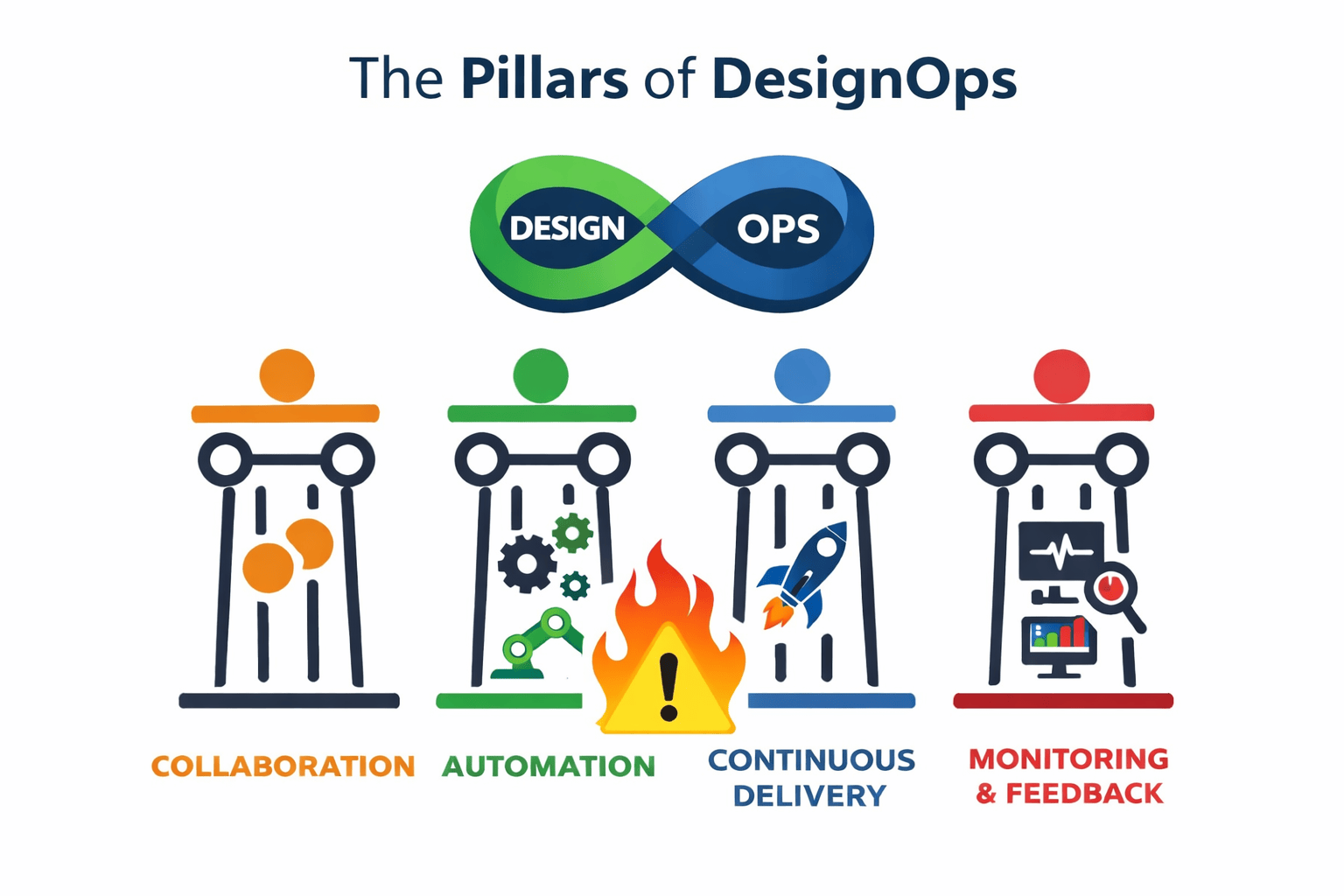
Design Ops Fundamentals
We built this evergreen mental model so designers, developers, and marketers can align design systems, handoff, implementation, launch, and campaigns.
Read the guideNext & previous
Related articles
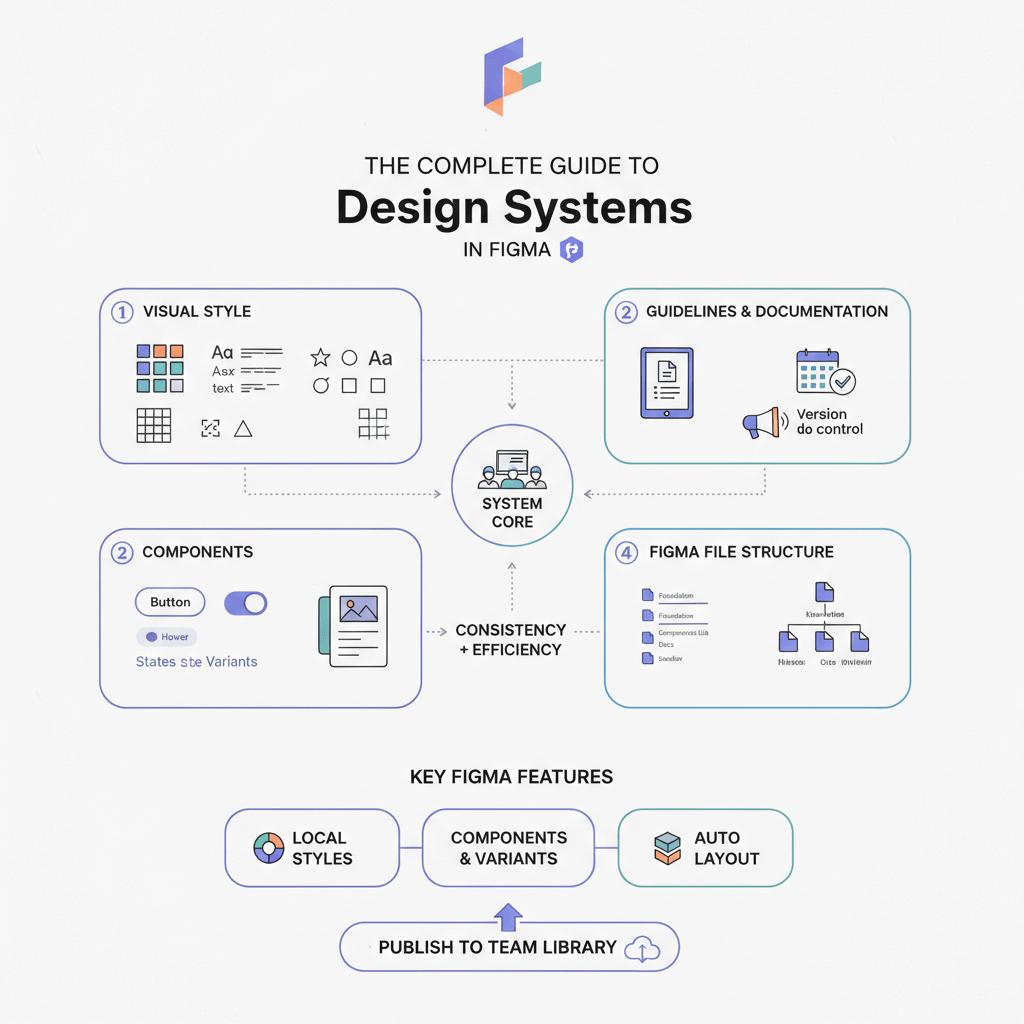
The Complete Guide to Design Systems in Figma (2026 Edition)
Upgrade Figma design systems for 2026 with variable-first architecture, AI cleanup, and Code Connect to scale without drift.
Design Systems • 6 min read
The 2026 Shift: Bridging the Gap Between Design and Dev
Close the 2026 design-dev gap with five component library shifts that align tokens with production code.
Design Systems • 5 min read
The Ultimate Figma Plugin Stack: 8 Tools to Save You Hours Every Week
Install 8 Figma plugins that cut renaming, cleanup, and docs time so your team saves hours every week.
Figma Plugins • 4 min read