





If you got missed work tomorrow, could a developer make sense of your file?
Disorganized files aren't just messy; they are technical debt. They cost money. When a developer has to hunt for the right hex code or guess which "Frame 4221" is the actual checkout button, you are burning runway.
Two years ago, we were just talking about "cleaning up." Today, with the industry shift to System-as-Product, organization is infrastructure. Your Figma file isn't a canvas anymore; it's the source of truth that feeds directly into codebases via variables and tokens.
Here is the no-fluff toolkit you need to stop the chaos this year.
The "Hygiene" Tier: Essential Cleanup
These are your janitors. Run them daily.
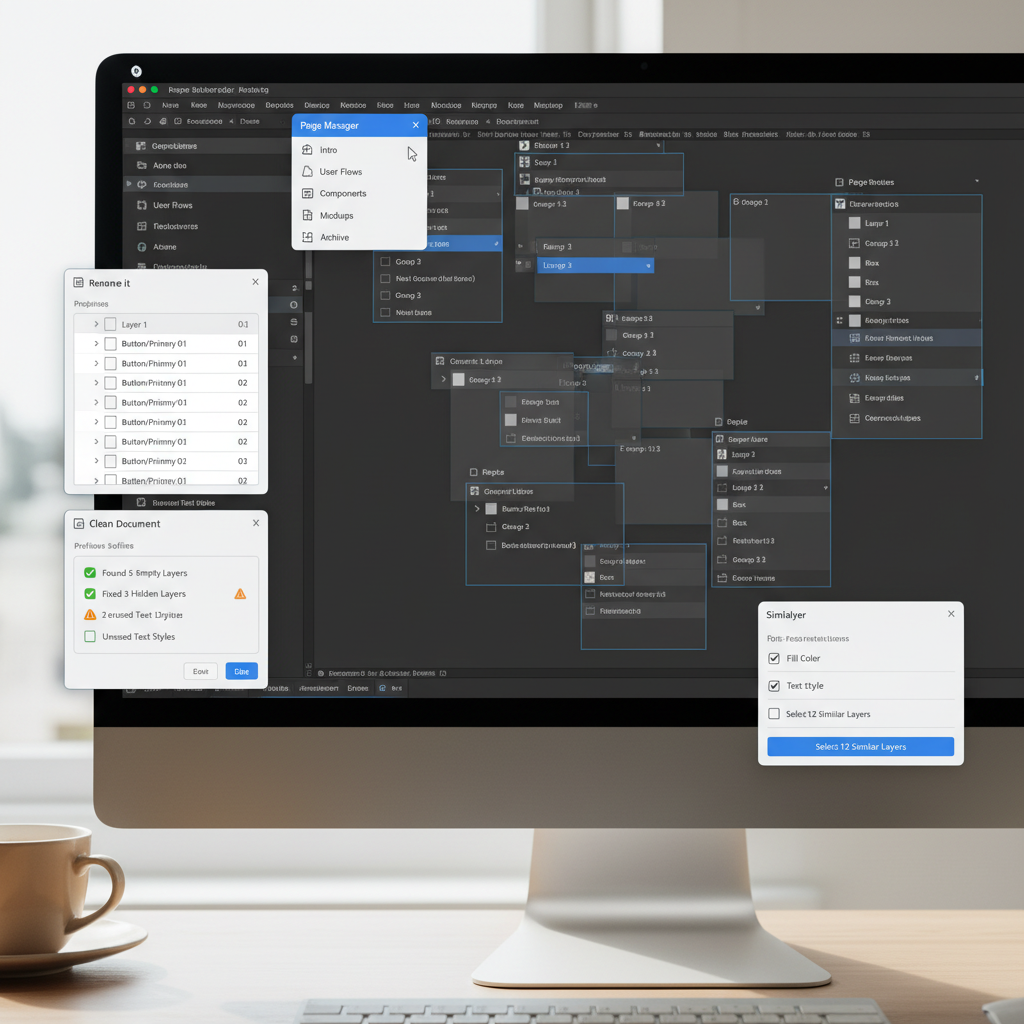
Clean Document
Think of this as the spellchecker for your layer list. It automates the tedious work that no designer wants to do but every developer needs done.
- What it does: It deletes those "ghost layers" (hidden layers you forgot about), ungroups single-layer groups (pointless nesting), and—most critically—fixes sub-pixel errors.
- Pro Tip: Run this before every handoff. It snaps that annoying 24.03px margin to a clean 24px, saving you from "pixel-quibbling" arguments in Slack.
Design Lint
In 2026, if you aren't using variables, you're wrong. Design Lint finds every rogue hex code, font size, or effect that isn't attached to your design system variables.
- Why you need it: With the "Semantic Collection" structure now standard, a hard-coded #EF4444 is a bug, not a color. This plugin flags it instantly so you don't ship broken themes.
The "Administrator" Tier: Structure & Naming
Organization is about findability. These tools make your file readable by humans and machines.
OrganizeFile
Before you even touch a layer, you need a system. This has become the go-to for setting up the "skeleton" of a professional file.
- The Setup: It generates a standardized page structure (Cover, Playground, Handoff, Archive) in one click.
- Why it wins: It stops the "Where is the latest version?" debate before it starts. Consistency across every file in your team project means zero cognitive load when switching contexts.
Rename It
The industry standard for batch processing.
- Use Case: You just duplicated a flow 50 times. Instead of manually renaming "iPhone 16 - Copy 42", use this to rename them to "Onboarding_Flow_01" through "05" in seconds.
- The 2026 Standard: Use it to append status tags (e.g., [WIP], [Ready]) to frame names for easier visual scanning.
Super Tidy
- Feature: Aligns your canvas frames into a neat grid and renames them based on their X/Y position.
- Why it matters: In the age of "Visual Search," your canvas coordinates actually matter. This keeps your flow readable from a bird's-eye view.
The "Power User" Tier: Automation & AI
For the designers who want to act like engineers.
Automator
This is the tool for designers who code (without actually coding). It allows for custom "drag-and-drop" macros to script repetitive tasks.
- Real-world example: I built a script that finds every instance of a specific legacy component and detaches it—useful for creating "flat" archive files without breaking the master library.
Figma AI / Autoname
We are finally seeing AI that understands context. The 2026 trend is tools that "read" your layer. If it sees a cart icon, it names it Icon_Cart. If it sees a button, it names it Button_Primary. No more Vector 455.
The "Nuclear" Option: Handoff Safety
Destroyer
- Warning: Use with caution.
- What it does: It recursively detaches instances and removes bindings.
- The Use Case: Perfect for sending a "safe" file to a client or stakeholder who shouldn't have access to your master components. It gives them the visuals without the keys to the castle.
Future-Proofing: 2027 & Beyond
We are already seeing the next wave: Expression Tokens.
Next year, file organization won't just be about folders; it will be about logic. We are moving toward "If/Then" variable structures where a single file can contextually reorganize itself based on the viewer's permission level.
The Verdict
Don't install them all. That’s just more clutter.
- Start with OrganizeFile to set the stage.
- Maintain with Clean Document.
- Scale with Rename It.
Get your house in order. Your developers (and your future self) will thank you.
Tools for this workflow
Recommended BiblioKit Plugins
Learn
Design Ops Fundamentals
We built this evergreen mental model so designers, developers, and marketers can align design systems, handoff, implementation, launch, and campaigns.
Read the guideNext & previous
Related articles
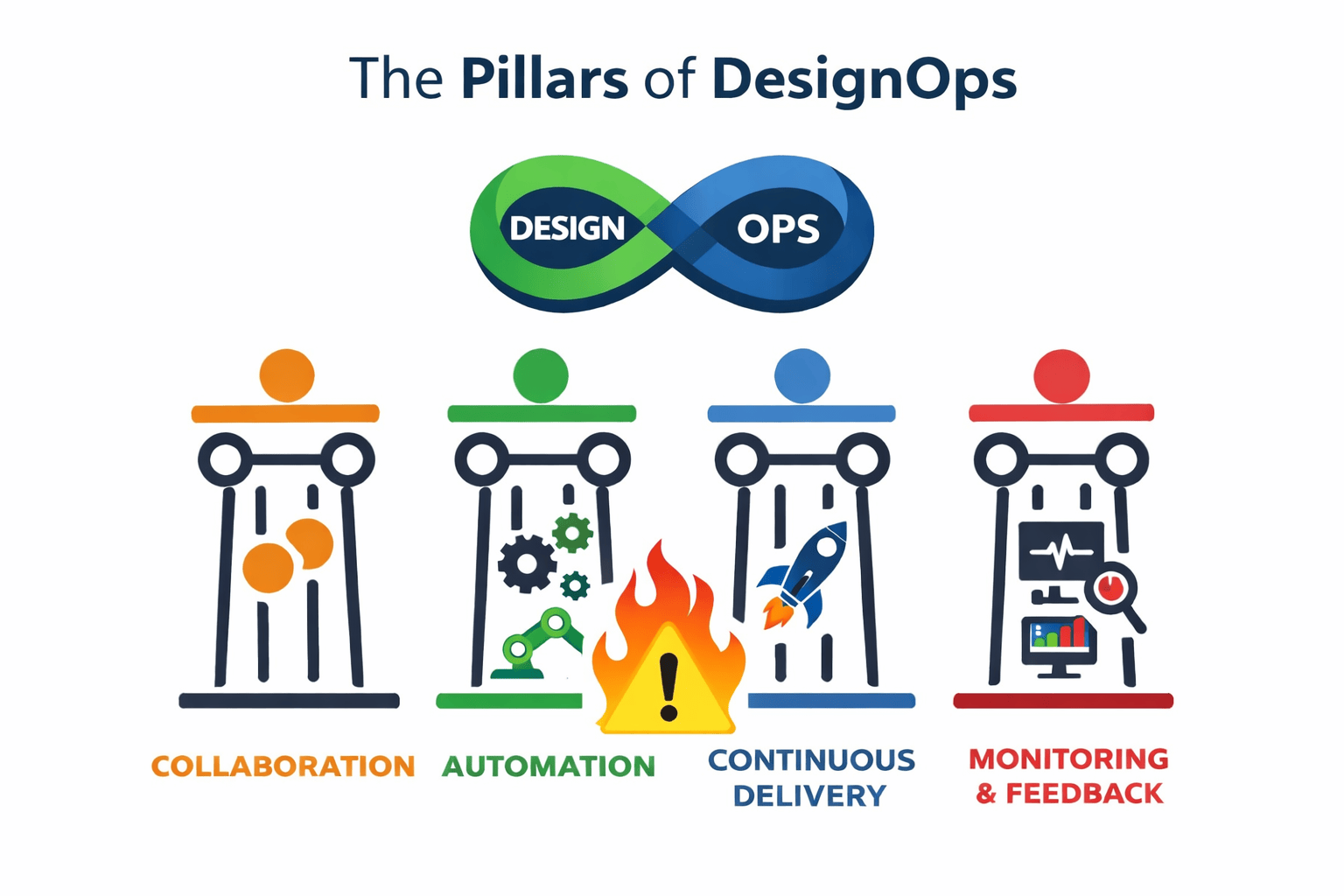
What is Design Ops? The Complete Guide
Build a Design Ops system that frees designers, developers, and marketers from busywork, aligns workflows, and speeds launches.
Design Ops • 5 min read
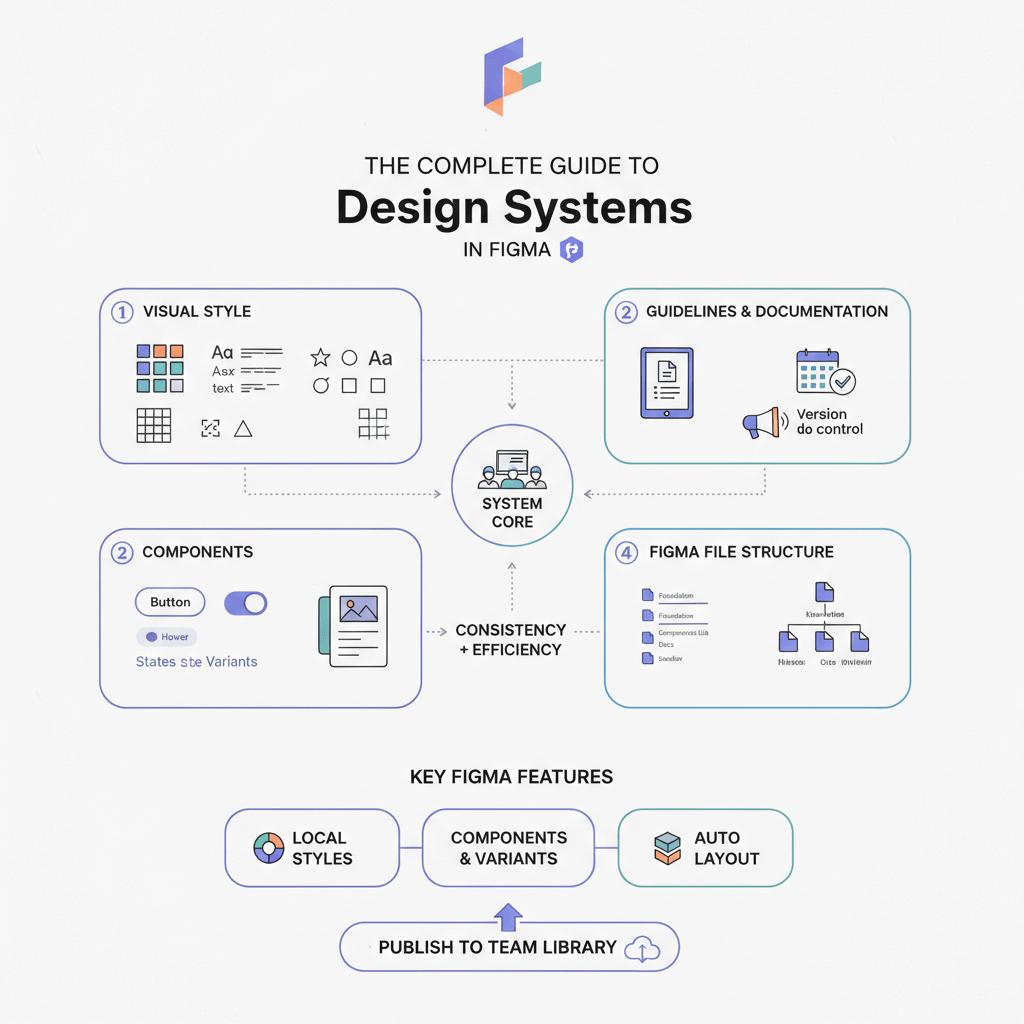
The Complete Guide to Design Systems in Figma (2026 Edition)
Upgrade Figma design systems for 2026 with variable-first architecture, AI cleanup, and Code Connect to scale without drift.
Design Systems • 6 min read
The 2026 Shift: Bridging the Gap Between Design and Dev
Close the 2026 design-dev gap with five component library shifts that align tokens with production code.
Design Systems • 5 min read